A beginner home recording studio does not need to begin with a shopping list. It needs one recording job: capture a practice take, record a voice and one instrument, sketch a song idea, or build a layered track.
Choose the smallest setup that completes that job. Use what you already own, test the result, and buy nothing until you can name the obstacle a new tool would remove.
The short answer
Start with a quiet-enough place, a device that can record, headphones if you need playback isolation, and recording software you can operate. A phone or computer microphone may be enough for practice feedback and song sketches. An external microphone or audio interface becomes useful only when your source, connection, monitoring, or quality target requires it.
The minimum viable studio is the setup that can record one complete take and let you listen back safely. It is not a miniature commercial room.
Step 1: Define the recording job
Finish this sentence before choosing equipment:
I need to record __ so that I can ____.
Useful answers are specific:
- “a two-minute piano practice take so I can hear uneven timing”
- “voice and acoustic guitar together so I can share a song sketch”
- “electric guitar directly so I can layer two parts without disturbing neighbors”
- “a spoken lesson so the words stay clear”
“Make professional music” is too broad for a first setup. It does not tell you how many sources must be recorded at once, whether the sound begins acoustically or electronically, or how quiet the room must be.
Use three questions to narrow the job:
- What is the source? Voice, acoustic instrument, electronic instrument, or a combination?
- How many sources at once? One performer at a time is simpler than a group.
- What is the output? Practice feedback, private demo, lesson submission, or a release candidate?
Your first setup should answer those questions, not every possible future need.
Step 2: Choose the simplest signal path
A signal path is the route from performance to recorded file.
For a phone practice take, it may be:
instrument or voice → built-in microphone → recording app → file → headphones
For one microphone connected to a computer, it may be:
voice → microphone → audio interface → computer software → file → headphones
For an electronic instrument with an appropriate output, it may be:
instrument output → interface input → computer software → file → headphones
Every added connection creates another setting to understand. Begin with the shortest path that safely accepts your source. Do not connect speaker-level outputs to inputs that are not designed for them, and do not force incompatible plugs. If you are uncertain about an output or input, check the manuals or ask a qualified technician before connecting it.
What you actually need at each stage
Stage 0: Practice feedback
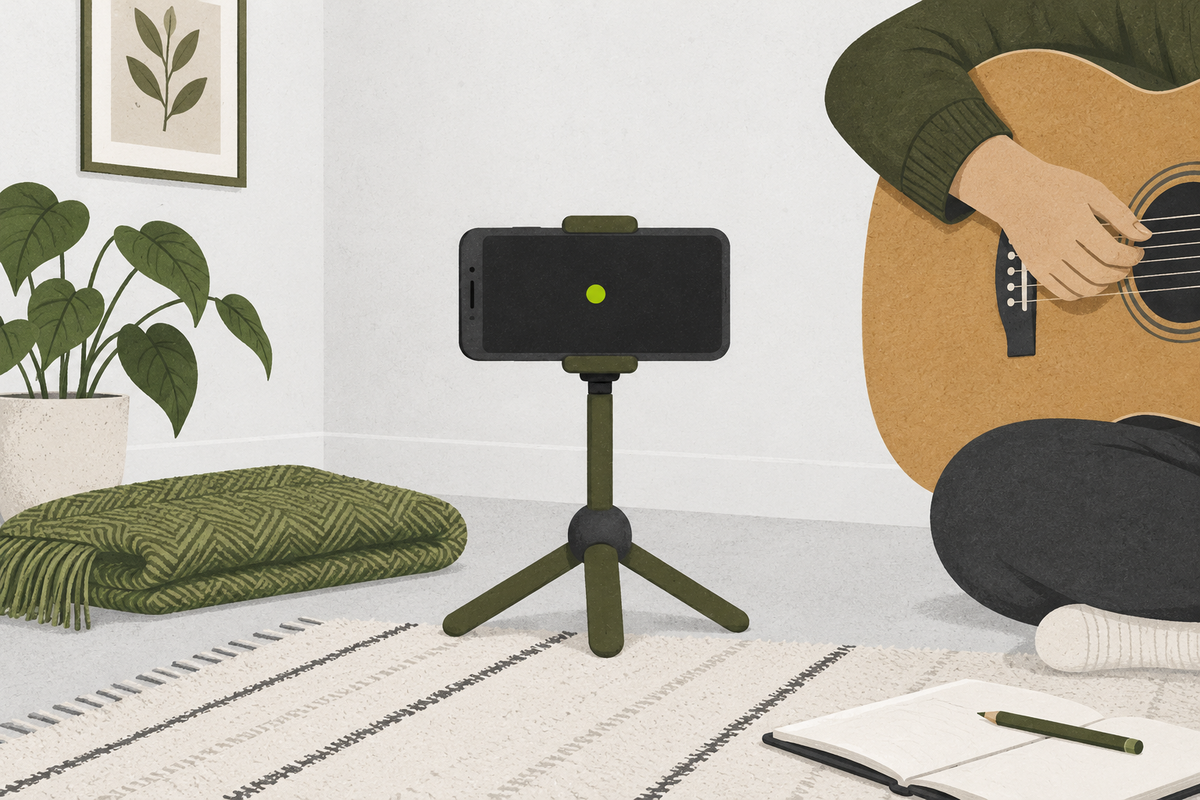
Use a phone, tablet, or computer you already own. Place it where the performance is balanced rather than where the screen is easiest to reach. Record 30 seconds, listen, move the device, and repeat.
This stage can reveal timing, starts and stops, balance, background noise, and whether a passage communicates clearly. It is often enough for the feedback loop in the effective practice guide.
Stage 1: One source with controlled monitoring
Add only what the source requires. A microphone captures acoustic sound. An audio interface accepts suitable microphone, instrument, or line-level signals and converts them for the computer. Closed headphones can prevent playback from spilling into a live microphone.
The correct connection depends on the source and connector standards, not on a generic “best starter” list. Count how many inputs you need simultaneously. If the honest answer is one, extra inputs do not improve the first recording.
Stage 2: Two sources or overdubs
You can record one part, listen to it through headphones, then record another part. This is overdubbing. It lets one-input systems create layered arrangements, although it does not capture two independent live sources at once.
If you truly need voice and instrument on separate tracks at the same time, your recorder or interface must support the required number and type of simultaneous inputs. That is a functional requirement you can verify before spending.
Stage 3: Mixing decisions
Mixing asks whether levels, tone, stereo position, and effects help the parts work together. Start on familiar headphones at a moderate level. Speakers introduce room interactions and neighbor constraints, so they are not an automatic first purchase.
Check a draft on more than one ordinary playback system. Translation problems—voice disappearing, bass swelling, harshness appearing—are evidence for the next adjustment. They are not proof that you need a more expensive studio.
Step 3: Improve the room before adding gear
Rooms affect acoustic recordings. Hard parallel surfaces can produce obvious reflections; traffic, appliances, fans, computer noise, and other people can raise the noise floor.
Run a room test:
- Record ten seconds of the room with no performance.
- Record the same phrase in your planned position.
- Move one meter or turn away from a reflective wall.
- Record the phrase again at the same performance level.
- Compare on headphones without raising the volume between takes.
Choose the position with the clearest useful sound and least distracting noise. Soft furnishings may reduce some high-frequency reflections, but a random blanket is not the same as engineered acoustic treatment and should never obstruct ventilation or create a fire hazard.
Distance matters. Too far from a quiet source can make room sound and noise more prominent. Too close can exaggerate breath, handling, or tonal imbalance. Change one variable at a time so the comparison teaches you something.
Step 4: Set a healthy level
Digital recording does not need to sit at the maximum level. Leave headroom so louder moments do not clip. Clipping creates distortion when the signal exceeds the system’s available range; lowering playback afterward does not restore the lost waveform.
Play or sing the loudest expected passage while watching the input meter. Reduce the input level if peaks reach the top or a clip indicator appears. Then record the actual passage and inspect it again.
Avoid solving a quiet recording by turning headphone playback dangerously high. The U.S. National Institute on Deafness and Other Communication Disorders notes that loud sounds can damage hearing and that risk increases with level and exposure time. Keep monitoring comfortable, take breaks, and reduce the source or monitoring level if you notice discomfort, muffled hearing, or ringing.
Step 5: Make the first take easy to find
Create a small session before you record:
- folder:
song-or-exercise-name - project:
name_YYYY-MM-DD - track:
voice,guitar,piano, or another plain source label - take:
take-01,take-02, and so on
Save to a location included in your normal backup routine. Keep the original take until you have confirmed that the project reopens and playback works.
The naming system does not need to be clever. It needs to help tomorrow-you locate the right performance.
Hear → Understand → Try: your first ten-minute recording
Hear
Stand in your planned position and listen for the quietest 20 seconds available. Clap once, speak one sentence, or play one short phrase. Notice the room’s decay and background sounds.
Understand
The recorded result is shaped by the performance, room, microphone position, input level, and monitoring. A purchase changes only some of those variables. Placement and performance may be the most useful first adjustments.
Try
- Record 30 seconds using the simplest device you own.
- Move the device or performer once; record the same material again.
- Listen to both at the same comfortable playback level.
- Write one difference you can actually hear.
- Keep the better position and record one uninterrupted minute.
Success check: you can identify the saved file, hear the full performance without clipping, and name one useful change between the two positions. If the take fails, classify the failure as performance, room noise, connection, input level, or monitoring before considering equipment.
A no-shopping decision table
| Problem you can hear or verify | First response | Possible requirement later |
|---|---|---|
| Timing is uneven | Record with existing device and listen back | No new hardware necessarily |
| Built-in mic captures too much room | Change position and distance | Suitable external microphone if the issue remains |
| Electronic instrument has no usable digital path | Check documented outputs | Compatible interface/input path |
| Playback leaks into vocal mic | Lower or mute playback; use headphones | Closed monitoring if needed |
| Two live sources need separate editing | Test whether overdubbing works | Two suitable simultaneous inputs |
| Peaks distort | Lower input gain/source level | New gear only if the correct setup cannot handle the source |
| Computer struggles | Reduce track/plugin load; freeze or simplify | System change only after measuring the limitation |
This sequence protects the budget because each addition has a job and a test.
Common setup mistakes
Buying a bundle before defining the source
A bundle may contain the wrong input count, connection type, microphone pattern, or accessories for your room. Write the signal path first.
Treating software features as practice progress
Editing options can be useful, but they cannot replace a clean start, steady pulse, or complete take. Keep the first session small enough to finish.
Recording too loud
A strong-looking waveform is not the goal. An unclipped take with headroom can be adjusted later; clipped audio cannot be fully repaired.
Changing several variables at once
If you move the microphone, change the room, add processing, and perform differently, you will not know what helped. Run short matched comparisons.
Waiting for an ideal room
Your room may never be silent. Schedule around predictable noise, record closer when appropriate, and decide whether the remaining noise matters for the actual purpose of the take.
Plan the next upgrade from evidence
After three sessions, review your notes. Count which obstacle stopped you most often. If the same documented limitation prevented the intended result, define the requirement it creates.
For example: “I need two independent microphone inputs at once,” or “I need monitoring that does not spill into the microphone.” A requirement can be compared across many tools later. A vague wish for “better quality” cannot.
If you are still choosing what you will record, use the guide to choosing your first instrument. If your project begins with harmony, practise the loop in how chord progressions work before pressing record.
Your first studio milestone is simple: one complete, named, unclipped take that teaches you something. Build from that evidence.